DocSupra › Compliance Studio › JPG to PDF without uploading · Español
DocSupraCompliance Studio
Convert JPG to PDF
Drag and drop a JPG or PNG to turn it into a PDF on this device, with nothing cropped or recoloured.
Your browser reads the file on this device: DocSupra never uploads it. You see the finished file before you pay; paying is only for the download. Terms · Privacy
Convert a JPG to PDF without uploading it.
The short answer. Open the Compliance Studio, drop the JPG and choose “Just for me, as shot” with PDF as the file type. The page follows the image: nothing is cropped, turned or recoloured, and there is no agency rule to satisfy. The conversion runs in your browser, so the photo is never uploaded.
Most online converters work by taking your file to their server and sending a PDF back. For a holiday photo that is fine. For a photo of an ID, a tax form or a bank statement it means a copy of that document now sits on someone else’s computer. Here the conversion happens on your own device, and the file stays where it is.
What you can do
JPEG, PNG and WEBP in every browser, from the camera, the clipboard or a folder; HEIC and TIFF where the browser can decode them (Safari). A PDF goes in too (page 1), and so does a scan saved inside a Word, PowerPoint or Excel file.
PDF, PNG, JPEG or DOCX for your own device, with no agency rules.
Nothing is cropped, turned or recoloured. The page follows the image.
When the file is going to USCIS, the IRS, a bank or a court, choose the destination instead and the studio prepares the exact size, resolution and format it asks for.
The whole result is shown on screen, sharp and with no watermark, with a magnifier for the detail. Downloading is what is paid.
Once the page has loaded you can disconnect and it still converts the photo and shows the result. Downloading needs a connection for the licence check, which sends a count and never the file.
How to convert a JPG to PDF
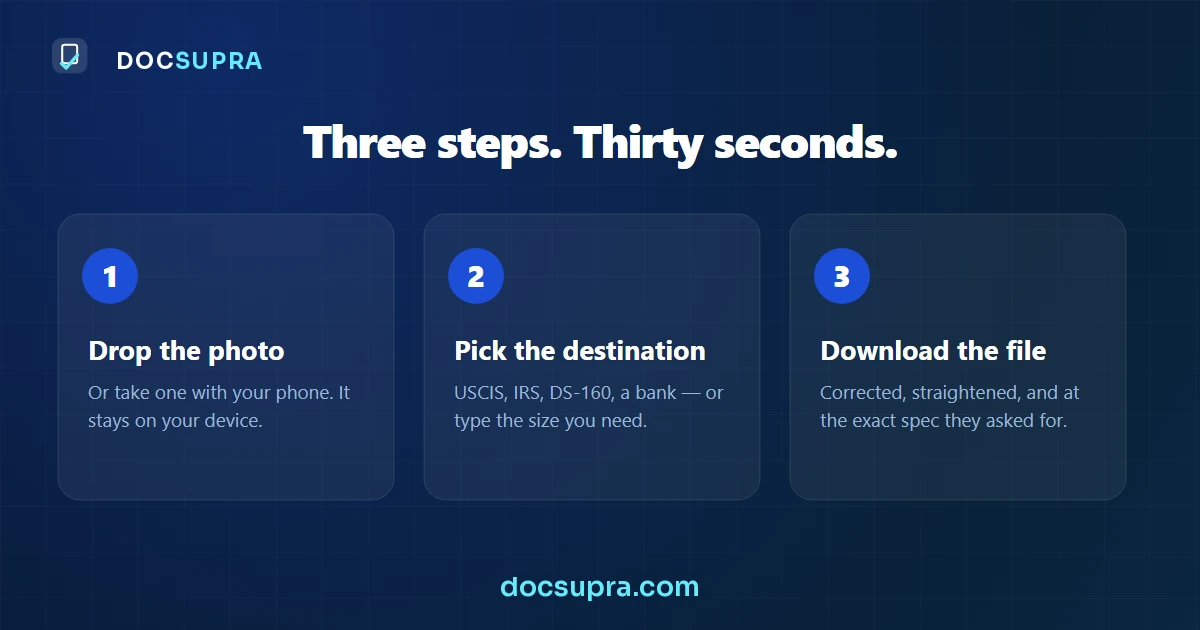
Open the Compliance Studio
Drop the photo
The studio shows a thumbnail and asks what the document is and where it is going. Nothing runs until you answer.
Keep it as shot and pick PDF
Press PDF in the row “Just for me, as shot”. The same row offers PNG, JPEG and DOCX.
Check and download
Read the result on screen, with the magnifier for the detail, then download the finished file with its receipt.
What it is not
The PDF is an image page: the text in the photo is not turned into selectable text. The studio does not edit what the document says, it does not decide whether a document is genuine, and it is not affiliated with any government agency. Downloading is paid; nothing is free to download.
The portal only takes PDF. Your document is a PNG.
The short answer. A PDF is a container; a PNG is an image. Wrapping one in the other is quick, but doing it badly is how people end up with a 20 MB file that gets refused for size, or a page that prints at the wrong dimensions. What matters is the page size, the resolution and whether the image is re-encoded on the way in.
It is the last step before submitting and it should take ten seconds. It usually does not, because the first result comes back too heavy or the wrong shape.
The 5 reasons, in plain words
- PNG is lossless, and that is the problem here. PNG stores every pixel exactly, which is right for a screenshot and wasteful for a photographed page. Wrapped unchanged in a PDF, the weight comes with it.
- A PDF has a page size; a PNG does not. An image is just pixels. A PDF places them on a page. Get the DPI wrong and the same document becomes Letter, A4 or a strip — and some portals check.
- Multi-page matters. Several PNGs usually need to arrive as one PDF in order, not as separate files. Portals that ask for a single document mean it literally.
- Re-encoding is where the size is won. Converting the image to JPEG inside the PDF, at a target size, is what turns 20 MB into under 2 — and for a photographed document it costs nothing visible.
- Screenshots are a separate trap. A screenshot of a document is a photo of a screen: low resolution and often rejected on its own merits, whatever container you put it in.
Which of them can software fix?
All of it, in one step. You choose the page size and the resolution, the image is re-encoded to the exact weight you need on the way in, and several images can go in as one ordered document. It runs in this browser — the file is never uploaded anywhere to be converted.
Convert a HEIC photo to PDF
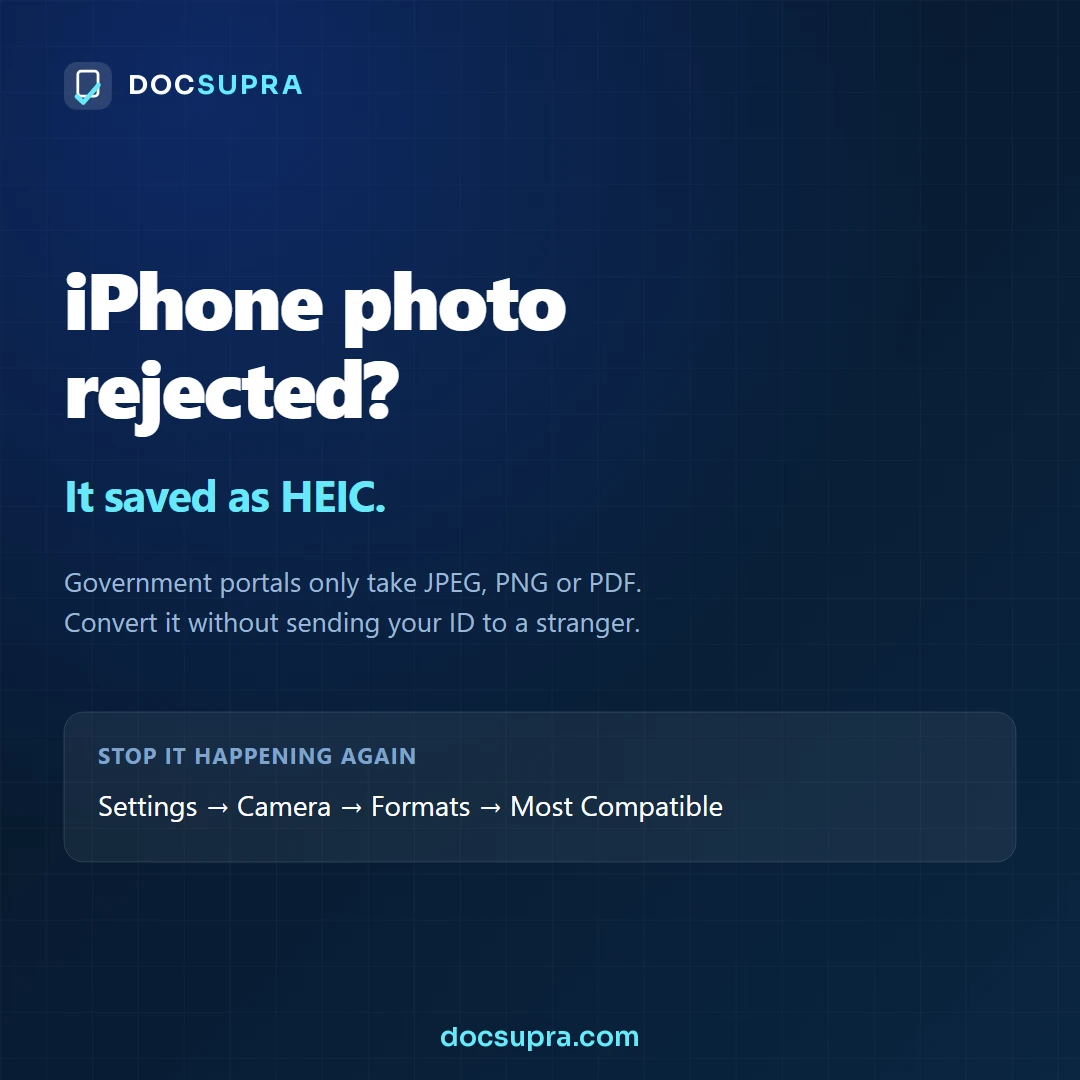
The short answer. HEIC is Apple's default photo format since iOS 11. It is smaller than JPEG at the same quality, and almost no government or HR portal accepts it. Converting to PDF is one step, and it can be done entirely inside your browser — the file never gets uploaded.
Your iPhone took the photo in HEIC. The portal wants a PDF. Almost every free converter online solves this by taking a copy of your document onto their server — which, for a passport or a tax form, is a bad trade for something a browser can do on its own.
Where it works: the HEIC photo is opened by your own browser. Safari on iPhone, iPad and Mac opens HEIC, so do this on the iPhone that took the photo. Chrome, Edge and Firefox on a computer cannot open HEIC: there DocSupra says so instead of guessing, and you can export the photo as JPEG first or open this page on the iPhone.
Why the portal will not take it
HEIC is a container built on the HEVC video codec, and HEVC carries patent licensing. Web servers, document management systems and government intake pipelines mostly skipped it for that reason. So the file is perfectly good and the portal simply has no code that can open it.
Three ways to fix it, best first
| Method | What it costs you |
|---|---|
| Convert in your own browser | Nothing. The photo never leaves the device. |
| Change the iPhone camera setting | Fixes future photos, not the one you already took. |
| Upload to a converter website | A copy of your document sits on someone else's server. |
Stop your iPhone making HEIC in the first place
Settings → Camera → Formats → Most Compatible. From then on the camera saves JPEG. This does not convert the photos already in your library.
Emailing it to yourself sometimes works, and sometimes ruins it
Mail often converts HEIC to JPEG on the way out, which is why the trick has a reputation. It also frequently downsizes the image to save bandwidth, and a downsized photo of a document can drop below the resolution a reviewer needs. If you use this route, check the pixel dimensions of what arrives.
A PDF of a photo is still a photo. Wrapping a shadowed, angled snap in a PDF makes the format acceptable and does nothing for legibility. If the page is dark on one side or photographed at an angle, correct that first — otherwise you have swapped a format rejection for a "not legible" rejection.
What to aim for
- Straighten and even out the lighting before converting.
- Export at 300 DPI for a document page — enough to read, not so much that it blows the size cap.
- Check the finished PDF against the portal's own limit: 12 MB at USCIS, 15 MB at the IRS, often 2–5 MB at job and school portals.
“File type not supported” — your iPhone saved it as HEIC
The short answer. Your file ends in .HEIC. Convert it to
JPEG (for a photo) or PDF (for a document) and upload again. To stop it
recurring: Settings → Camera → Formats → Most Compatible.
You photographed the document, the portal refused it, and nothing looks wrong with the picture. Almost always the problem is the format, not the photo: since 2017 iPhones save as HEIC by default, and most government upload forms only take JPEG, PDF or PNG.
Where it works: the HEIC photo is opened by your own browser. Safari on iPhone, iPad and Mac opens HEIC, so do this on the iPhone that took the photo. Chrome, Edge and Firefox on a computer cannot open HEIC: there DocSupra says so instead of guessing, and you can export the photo as JPEG first or open this page on the iPhone.
How to tell that this is your problem
Any one of these is a giveaway:
- The file name ends in
.heicor.HEIC. - The portal says file type not supported, invalid format, or just fails silently.
- The photo opens perfectly on your iPhone but looks broken or will not open on a Windows PC.
- You emailed it to yourself and it arrived as a
.jpg— iOS converts on the way out, which is why the same picture sometimes works and sometimes does not.
Why portals reject it
HEIC (High Efficiency Image Container) stores the same picture in roughly half the space of a JPEG. Apple made it the default in iOS 11. The trouble is that the software behind an upload form is often older than that, and a reviewer opening the file on a government workstation may have nothing that can read it. Rather than risk an unreadable submission, the portal refuses the format outright.
It is not a judgement about your photo. A perfect, sharp, well-lit HEIC is rejected exactly as fast as a bad one.
Which format should you convert to?
| What you are uploading | Convert to | Why |
|---|---|---|
| A form, letter, statement or certificate | Keeps several pages in one file, and is what most portals prefer for documents. | |
| A photograph of a person (visa or passport photo) | JPEG | Photo forms are usually JPEG-only, with strict pixel and size rules. |
| An ID card or anything with a seal or hologram | JPEG or PDF, in colour | Colour security features have to stay visible. |
Stop it happening again
- Open Settings on your iPhone.
- Tap Camera, then Formats.
- Choose Most Compatible.
From then on the camera saves JPEG. Photos already in your library stay HEIC — this only changes what happens from now on.
Careful with random converter sites. A document you are uploading to an agency is usually one that identifies you. Uploading it to an unknown converter to change a file extension means handing your ID to a stranger’s server. Convert it on your own device instead — DocSupra does the conversion in your browser, and the file is never transmitted anywhere.
Several pages, one upload slot
The short answer. Correct each page first, then merge, then set the size target on the finished PDF. Merging raw phone photos and compressing afterwards is what turns small print to mush.
A portal gives you one field and you have five pages. Merging them is easy; merging them and still landing under the size cap is where it goes wrong, because five phone photos in one PDF is routinely 25 MB against a 12 MB limit.
Why the obvious order fails
The instinct is: merge the photos, then squeeze the PDF until it fits. That fails because a raw phone photo of a page is mostly not the page — it is shadow gradient, desk texture and sensor grain. Compression spends its budget describing all of that, and to reach the target it has to take the bits from somewhere. It takes them from the text.
Flatten the lighting and straighten the page first and the photo becomes largely flat white with sharp black marks, which is the easiest thing in the world to compress. The same five pages then reach the same file size with the text untouched.
The order that works
- Correct each page. Even out the lighting, remove glare, straighten the angle. This is what makes the rest possible.
- Set the resolution to 300 DPI. Higher adds size without adding legibility.
- Merge into one PDF, in the order a reviewer expects to read them.
- Set the size target on the finished file, not on each page. Compression works better across the whole document.
- Check the last page. Merges truncate silently more often than you would think.
Page order matters more than people think
A reviewer opening your file expects the cover letter first, then the evidence in the order your letter refers to it. A PDF where page 4 is the first thing they see does not fail a technical check, but it does make a person read your submission twice — and a request for evidence costs weeks.
One file per item, unless told otherwise. Some portals want each piece of evidence in its own file and will reject a combined PDF; others give you a single slot and expect everything in it. Read the field label before you merge — undoing a merge after submission is not possible.
The portal wants one file. You have two photos.
The short answer. An ID card is two documents to a camera and one document to a portal. Two photos arrive as two files, and the form that says “one file per document” refuses the second or ignores it. The fix is a single PDF with the front on page 1 and the back on page 2, each side cut to the edge of the card and small enough to pass the size limit.
This is the most common two-minute task that takes an hour: find a converter, find a merger, lose the order, end up with a 14 MB file. It is one step when the software knows what a card is.
The 5 reasons, in plain words
- Two photos, one document. Portals index documents, not photos. A second file is a second document to them, and a second document named the same is a mistake.
- Order is part of the document. Front first, then back. A merger that sorts by file name puts them the way the camera numbered them, which is whichever side you shot first.
- The table around the card. A phone photo of a card is mostly table. Left in, it doubles the file size and shrinks the card to a corner of the page.
- Each side at an angle. Cards photographed from above are rarely square to the lens. Two sides at two different angles look like two different documents.
- The weight limit applies to the whole file. One PDF with two full-size photos inside can weigh 15 MB. The limit is on the file you send, not on each picture.
Which of them can software fix?
All of it, in one pass. Drop both photos, choose the document class and the destination; each side is found by its edge, straightened and cut to the card with the colour kept, then placed as page 1 and page 2 of one PDF at 300 DPI and under the size cap the destination publishes, or the one you set. If a side is too blurred to read, it says so instead of shipping it. It runs in this browser; the card with your name on it never leaves your device.
Photo to PDF, and what actually changes when you convert
A PDF is a container. Wrapping a photo in one does not compress it, does not sharpen it, and does not fix the lighting. What it does change is three things portals care about: the declared page size, how it prints, and whether the file is accepted in the first place.
The short answer. A PDF holds your image more or less as it was. If the photo was 4 MB, the PDF is about 4 MB. To make it smaller you have to change the image inside — fewer pixels, or heavier compression — and the conversion itself will not do that for you.
What conversion changes, and what it does not
| Changes | Does not change |
|---|---|
| The file is accepted where only PDF is allowed | The sharpness of the image |
| A page size is declared, so it prints at a known scale | The lighting or the shadow |
| Several photos become one document, in order | The file size, on its own |
The page size trap
A photo has pixels but no physical size. A PDF page does. When a converter is not told what page size to use, it picks one — and the result prints at whatever scale that choice implies. A page meant to be Letter can arrive as a slightly different size, which is enough for some filing systems to flag it.
If the document is a Letter page, say so at conversion time. If it is an ID card or a photo, a fitted page is usually the right answer instead.
Why the PDF came out bigger than the photo
Two common reasons. The converter re-encoded the image at a higher quality than the original, or it stored it without compression at all. A lossless PDF of a full-resolution phone photo can be several times the size of the JPEG it came from — which then runs straight into the upload limit.
Multiple photos, one PDF
Portals that ask for "the document" usually mean all of it: front and back, every page, in order, in one file. Uploading four separate images where one multi-page PDF was expected is a common reason a submission comes back marked incomplete.
Keep the pages the same size and the same orientation. A PDF where page 2 is landscape and half the resolution of page 1 reads as carelessness to whoever opens it.
The order that avoids re-doing it
- Fix the photo first — straighten it, even out the light.
- Decide the page size: Letter, A4, or fitted to the image.
- Convert, then check the resulting file size against the portal limit.
- If it is over, reduce the resolution rather than the quality — the letters survive better.
What the Compliance Studio costs
You see the result before you pay. Downloading the finished file is paid, once.
Questions
How do I convert a JPG to PDF without uploading it?
Open the DocSupra Compliance Studio, drop the JPG, choose “Just for me, as shot” and pick PDF. The conversion runs in your browser on your own device; there is no upload endpoint.
Will it crop or change my photo?
Not on this path. “As shot” keeps the pixels: no crop, no turn, full colour, and the page follows the image. Only page documents you choose yourself, such as a W-2 or a statement, are straightened and cleaned.
Can I get PNG, JPEG or DOCX instead?
Yes. The same row offers PDF, PNG, JPEG and DOCX. The DOCX is a Word file with the page as an image.
Is the text in the PDF searchable?
No. The page is an image of your photo; the studio does not recognise the text.
Can I see the result before paying?
Yes. The whole result is shown on screen, sharp and without a watermark, with a magnifier for the detail. Downloading the finished file is what is paid: $9.99 for three documents with no expiry, or $19.99 for unlimited documents during 30 days.
More on DocSupra
Made and copyrighted © 2026 by Soelys Muñoz. DocSupra™ is her trademark. All rights reserved. How to recognise the real site.